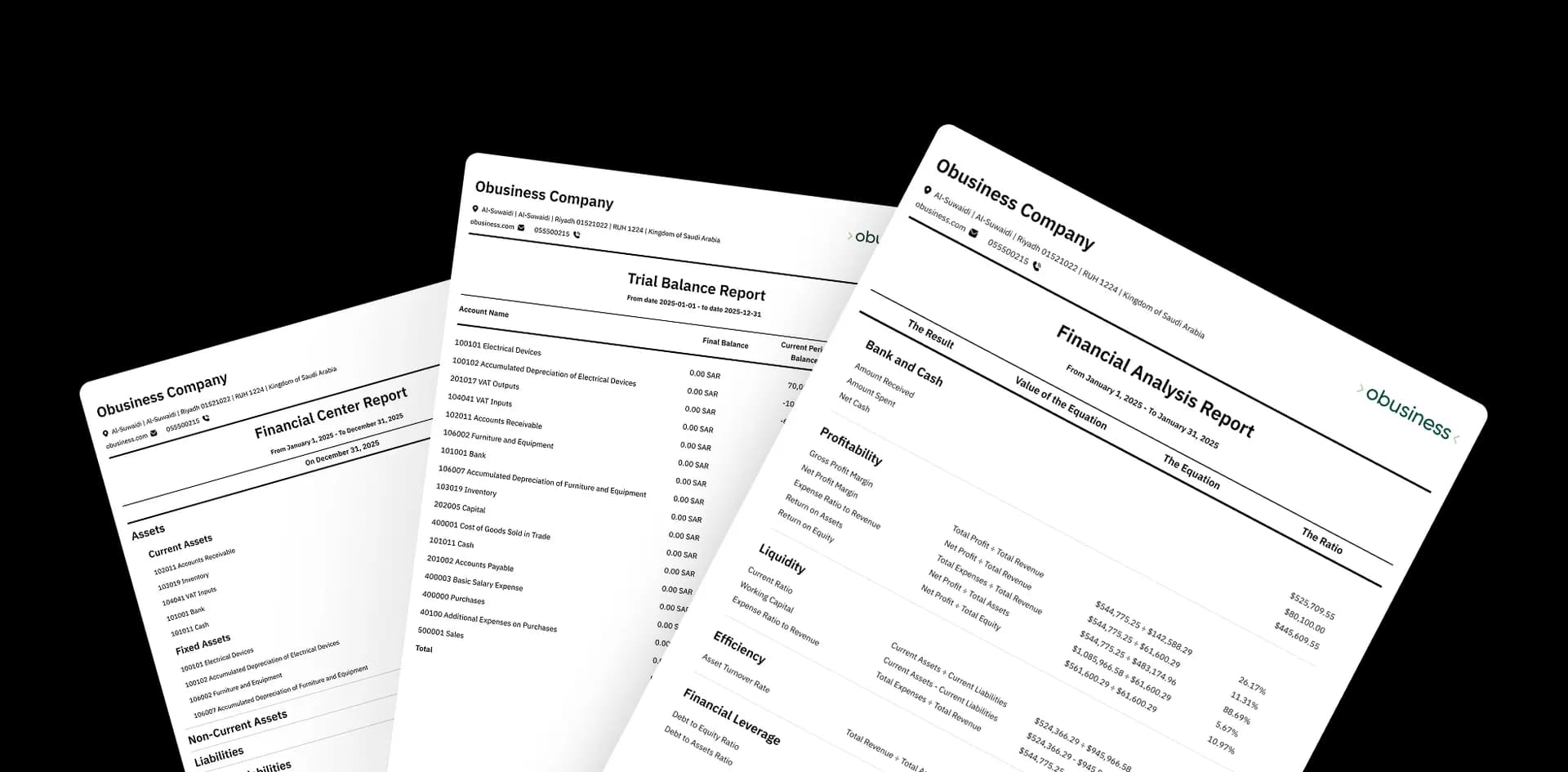
An integrated platform with accounting software to manage and grow your business
Bring invoicing, accounting, sales, purchasing, inventory, customer relationships, HR, branch management, and point of sale together in one ERP system. Use business intelligence to measure your company's performance, understand your numbers, and make decisions with confidence.


Our customers inspire us, and we inspire them
Every success story with our customers has helped us build better accounting software for the realities of Saudi businesses.


More than accounting software… modern tools for a clearer view of your business
AI, real-time metrics, integrations, and the cloud help you manage your business, understand your numbers, and make better decisions.
Your AI assistant inside Obusiness
With  , ask, learn, and get things done with ease.
Where would you like to start?
Ask about sales, inventory, or financial reports in real time
Accounting software compliant with Saudi e-invoicing requirements
Meet tax and regulatory requirements in the Saudi market with Obusiness.
Integrate with payment systems and online platforms
Make the most of Obusiness by connecting it with external systems and services, such as online stores and apps, to meet your business needs.

A flexible system for businesses with multiple branches and warehouses
Add users, branches, currencies, and warehouses, and expand your operations without changing systems as your business grows.

All your devices, connected
Direct integration with barcode scanners, scales, printers, and more for faster, smoother operations.

Cloud accounting software wherever you go
Obusiness gives your team access to business data across devices and locations, with permissions that determine what each user can access.

From the first order to the final report, everything works together
Buy, receive, sell, collect, and see the financial impact of every transaction—without repeating the same work across different tools.
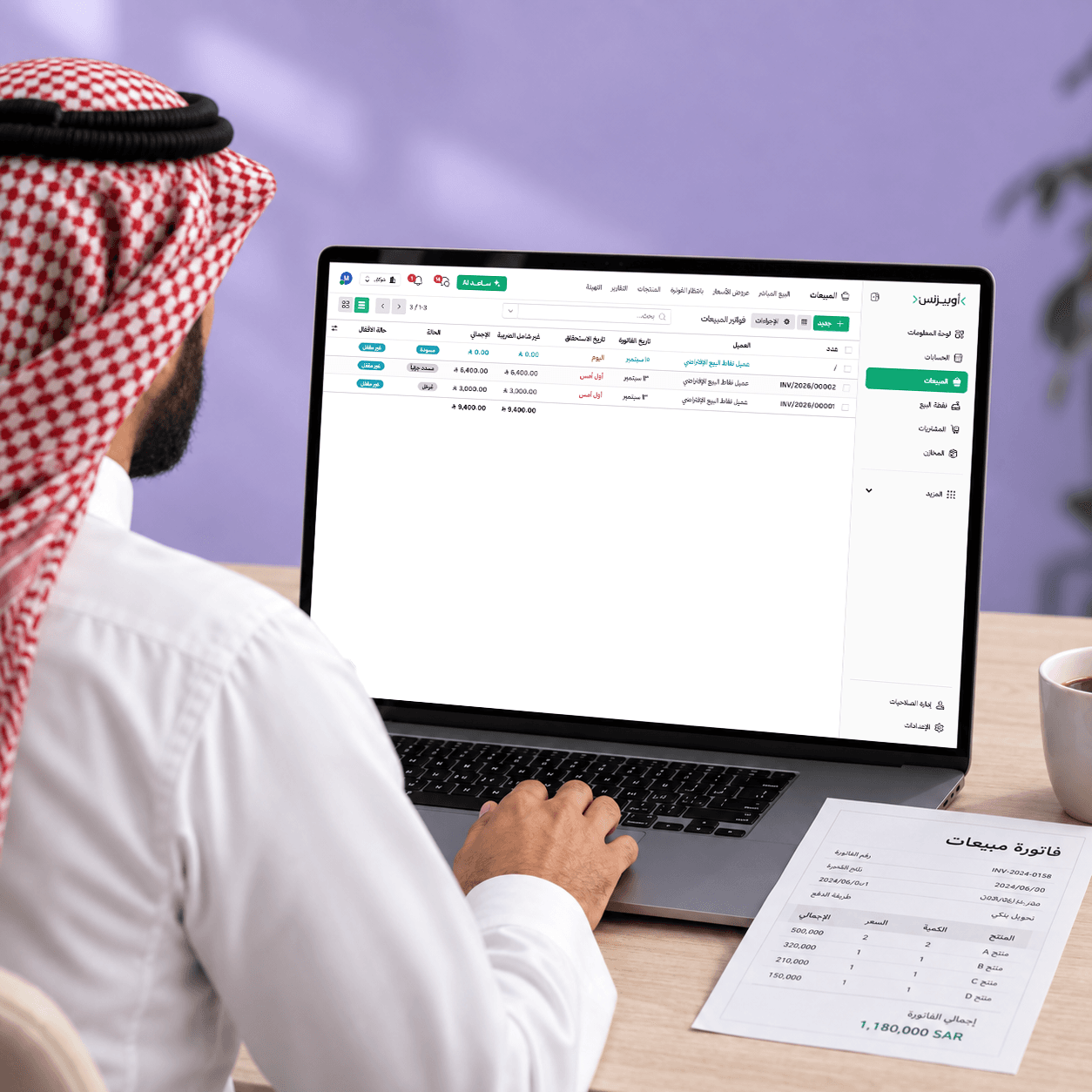
Manage sales and customers from quotation to collection
Organize the sales cycle from quotation and confirmation to releasing goods, invoicing, and collection, with every step connected to inventory and accounts.
Create a quote with your business branding, set its validity period and payment terms, and email it directly to the customer.
Once the quote is confirmed, it becomes a sales order and reaches the warehouse manager to prepare and release the goods.
Turn the transaction into an invoice, choose immediate payment or an advance payment, and track collection.
Create a credit note from the invoice to reverse the transaction and return the product to inventory without starting a separate workflow.

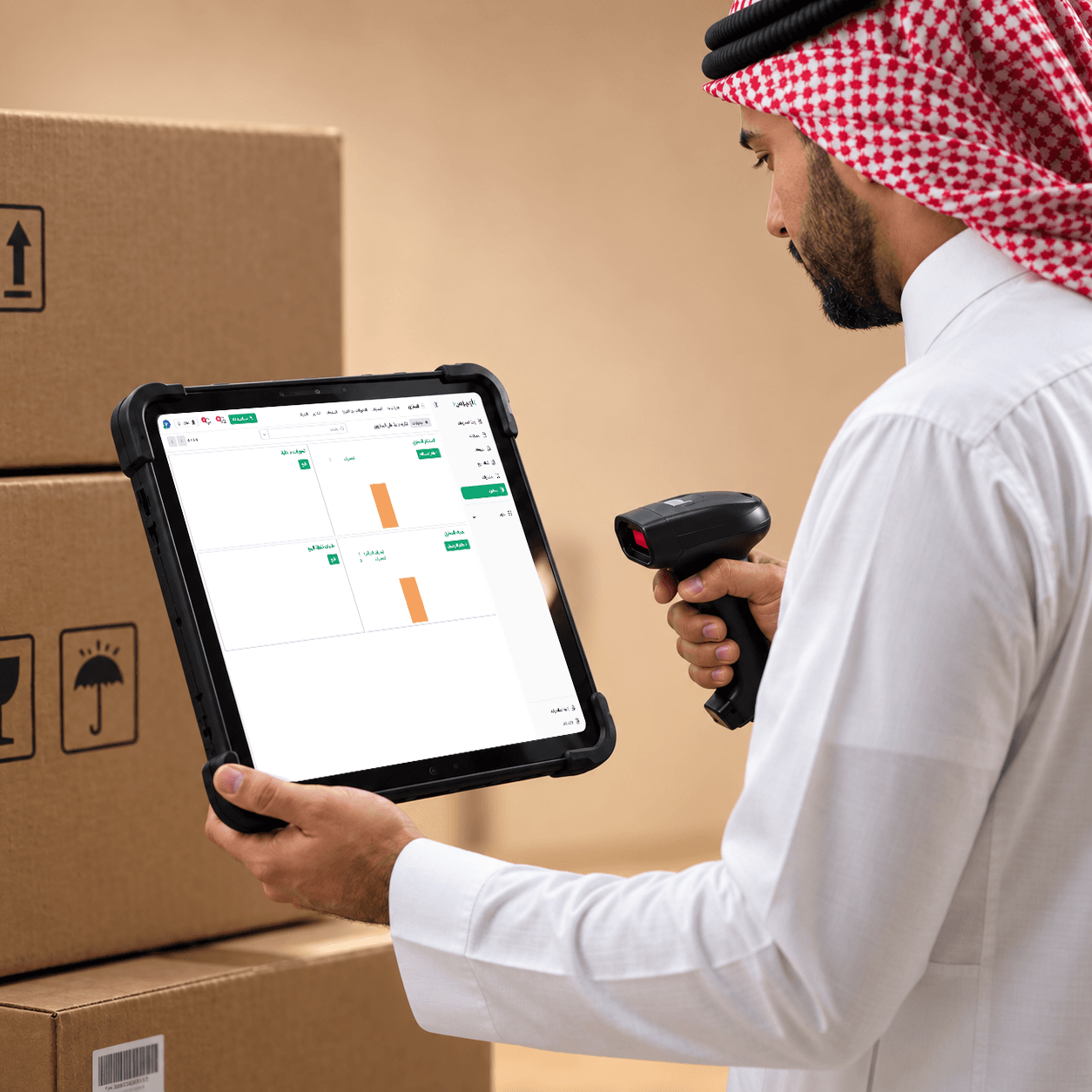
Manage inventory and warehouses in real time
Know each item's stock and location, organize movements between warehouses, and set replenishment and issuing rules that work for you.
Track balances, internal transfers, and item movements across warehouses in one place.
Set where each item is stored and how it is issued, such as first in, first out.
Set reordering rules and get alerts when quantities run low or items approach expiration.
Track dormant items, product movements, inventory valuation, available quantities, and the results of periodic and continuous stock counts.
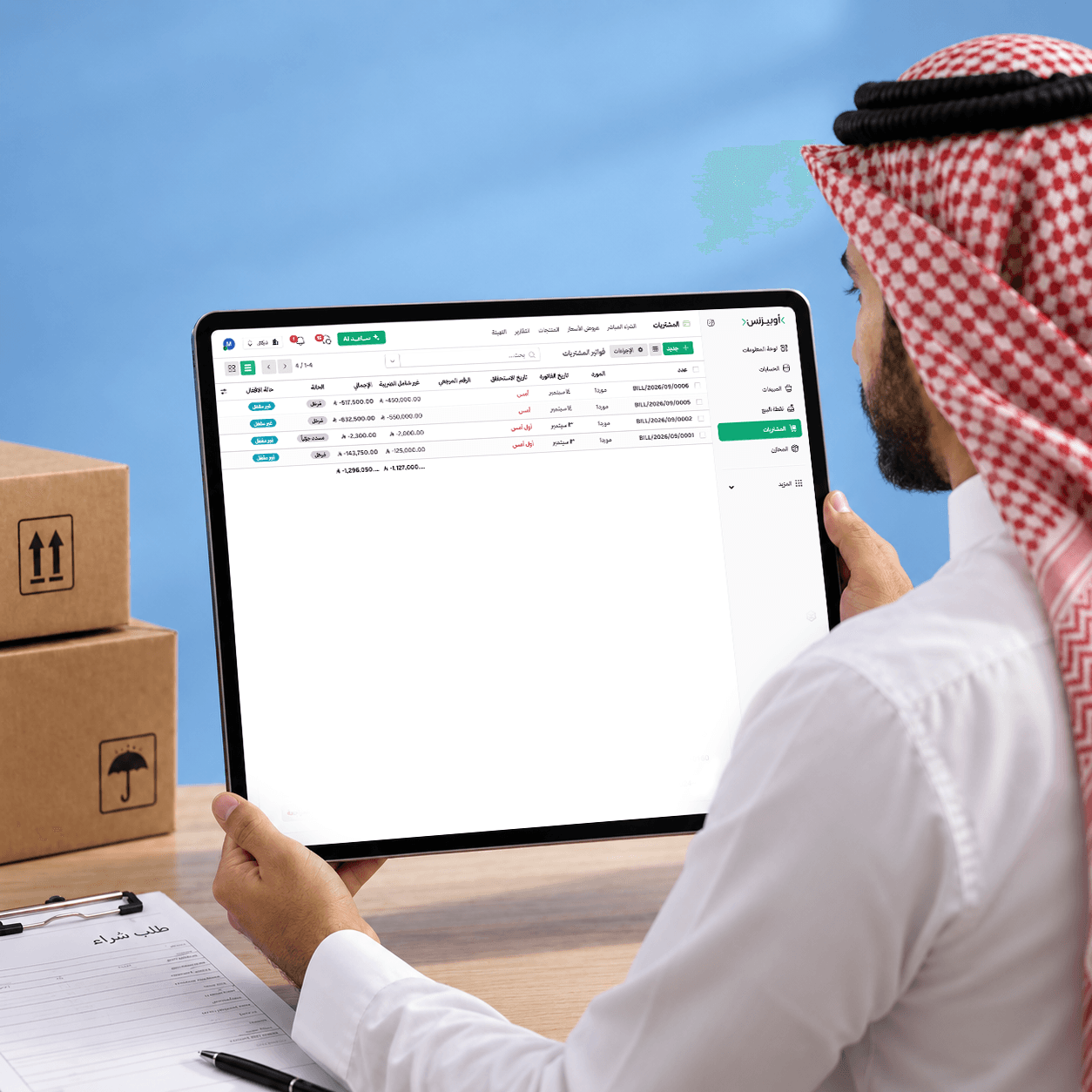
Manage purchasing and suppliers from request to payment in one system
Organize orders, suppliers, and invoices, and track the effect of every transaction on inventory and accounts without entering data twice.
Specify items, quantities, currency, tax, expected arrival date, and receiving warehouse in one order.
Compare supplier quotes before making a purchase decision.
Choose whether to invoice when ordering or after receiving goods, and track the process from purchase order to payment.
Every purchase creates an inventory movement and posts its accounting impact automatically according to the product category.
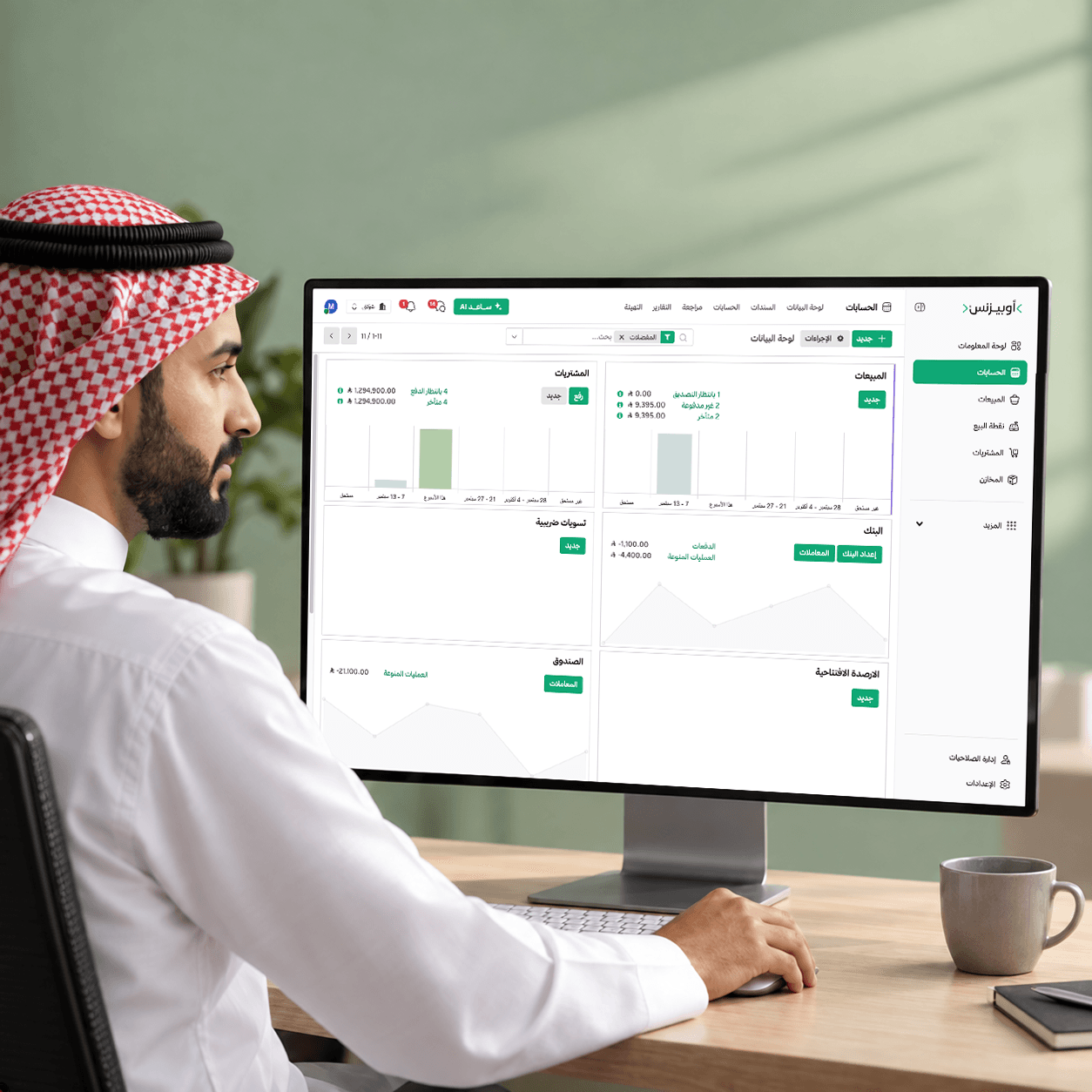
Connected accounting from journal entries to financial statements
Sales, purchases, and vouchers post to accounts automatically, keeping your entries and financial reports connected without duplicate entry.
Sales, purchases, payments, and related transactions automatically update accounts and journal entries, with the option to create entries manually when needed.
Close monthly and annual periods, and prevent changes to earlier transactions except through defined permissions and exceptions.
Review the statement of financial position, income statement, trial balance, general ledger, and partner, tax, and financial analysis reports, with period comparisons and Excel and PDF exports.
Set revenue or expense budgets, compare planned and actual figures, and track variances and completion rates, with analysis linked to cost centers and projects.
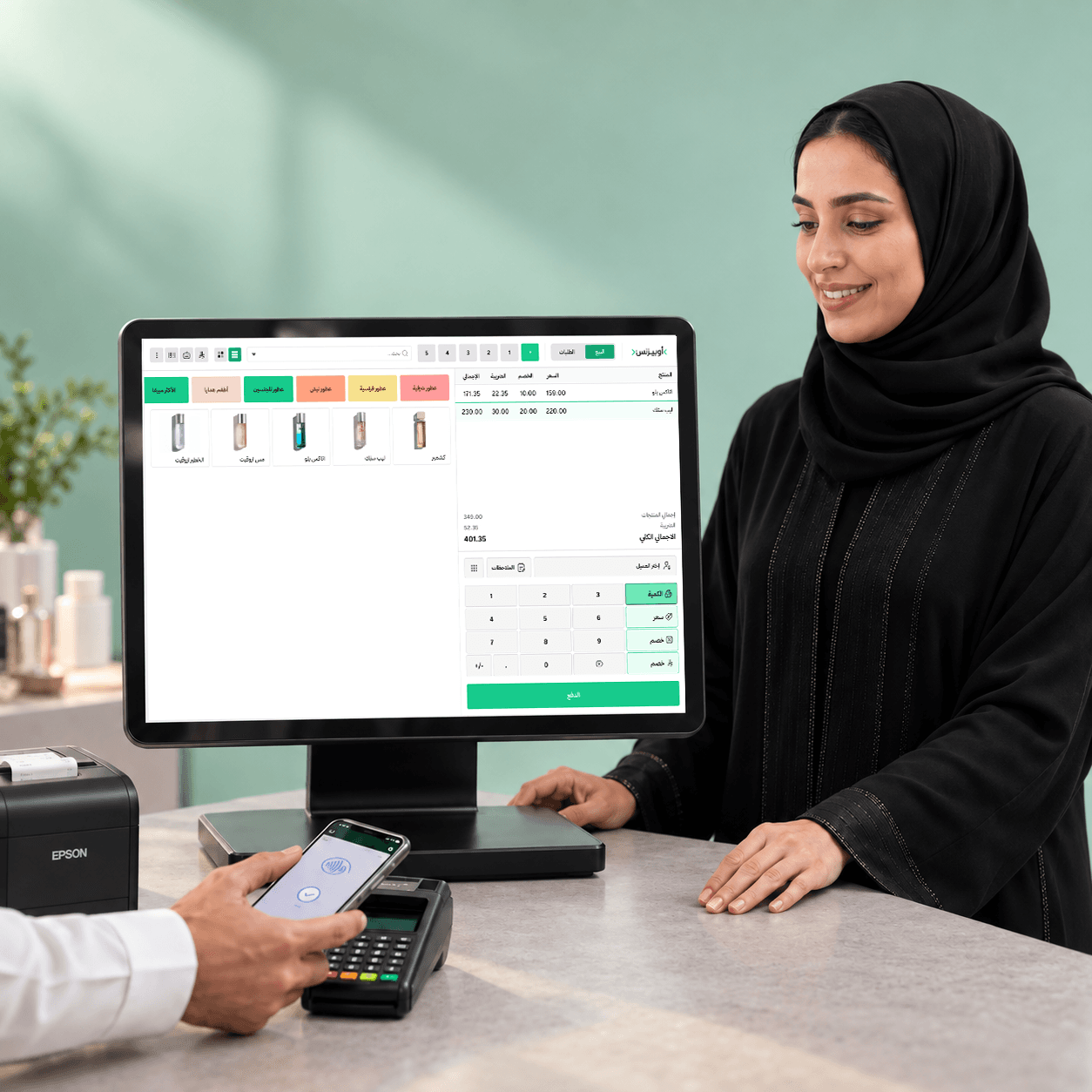
Integrated point of sale gives you full control of your operations
Manage cashiers and shifts, and let every sale update inventory and accounts immediately.
Search by product name or scan a barcode, accept cash, card, or customer account payments, and split a payment across methods.
Connect the register to barcode scanners, printers, and other devices to complete sales in fewer steps.
Continue selling when the connection drops, and invoices and transactions sync automatically when internet access returns.
Sales immediately update inventory, accounts, and journal entries without entering the data again.
Frequently asked questions
Everything you need to know about Obusiness, its features, and plans.
Obusiness is a cloud accounting platform that brings accounting, sales, purchases, inventory, and invoicing into one organized, easy-to-use system. It automates connected workflows so teams can operate more efficiently. You can manage multiple branches and activities from one place and connect government platforms, online stores, external apps, and AI-powered tools.
Obusiness provides automated accounting, Saudi VAT compliance, AI-powered search, a live financial dashboard, built-in spreadsheets, instant reports, flexible customization, payment integrations, inventory costing, mobile access, and connections to government and commerce platforms.
Obusiness is designed for small and medium-sized businesses across retail, services, and manufacturing that need an easy, flexible platform that can scale with growth.
Yes. Obusiness supports local and international currencies for transactions inside and outside Saudi Arabia.
Yes. You can add and manage multiple companies and branches from the same system, each with independent cost centers.
Yes. Customer relationship management is included in the Comprehensive plan, giving you one place to manage customers, leads, and opportunities.
Yes. Obusiness offers flexible integrations with business systems, services, and APIs.
Yes. HR integrations can be included in the Custom plan.
Yes. Import and export tools make it straightforward to move your existing data into Obusiness.
It connects Obusiness to your online store, app, and payment gateways so accounting transactions are recorded automatically without repetitive manual entry.
Start managing your business from one platform
Try Obusiness free for 14 days and bring your operations and data into one platform that helps you track performance and make better decisions.